AI Photo Editing & Enhancement
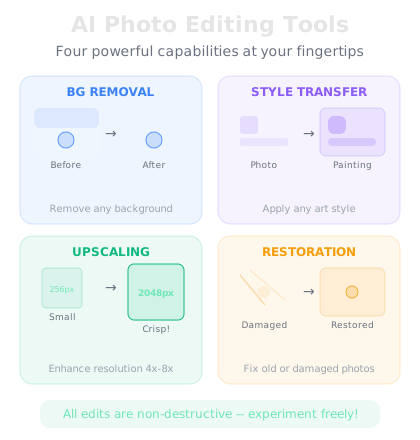
You do not need Photoshop skills to edit photos anymore. AI tools can do in seconds what used to take hours. Background removal is the easiest place to start -- tools like remove.bg or Canva's background remover let you isolate a subject from any photo with one click. Need a new background? AI can generate one for you. This is how people create professional-looking product photos, profile pictures, and social media content without a studio.
Upscaling is another game-changer. If you have a low-resolution image, AI upscalers can increase the size and add detail that was not there before. Tools like Upscayl (free and open source) use AI to sharpen and enhance images. Then there is style transfer -- taking a regular photo and making it look like an oil painting, anime, or pencil sketch. Most AI image tools now have this built in. Upload your photo, pick a style, and the AI redraws it.
Inpainting and outpainting are the advanced moves. Inpainting lets you select part of an image and have the AI replace just that area -- remove a person, change an outfit, fix a weird detail. Outpainting extends the edges of an image, generating new content that matches what is already there. Try this today: take a regular photo and use at least two AI editing techniques on it. Compare the before and after. You will start seeing possibilities everywhere.